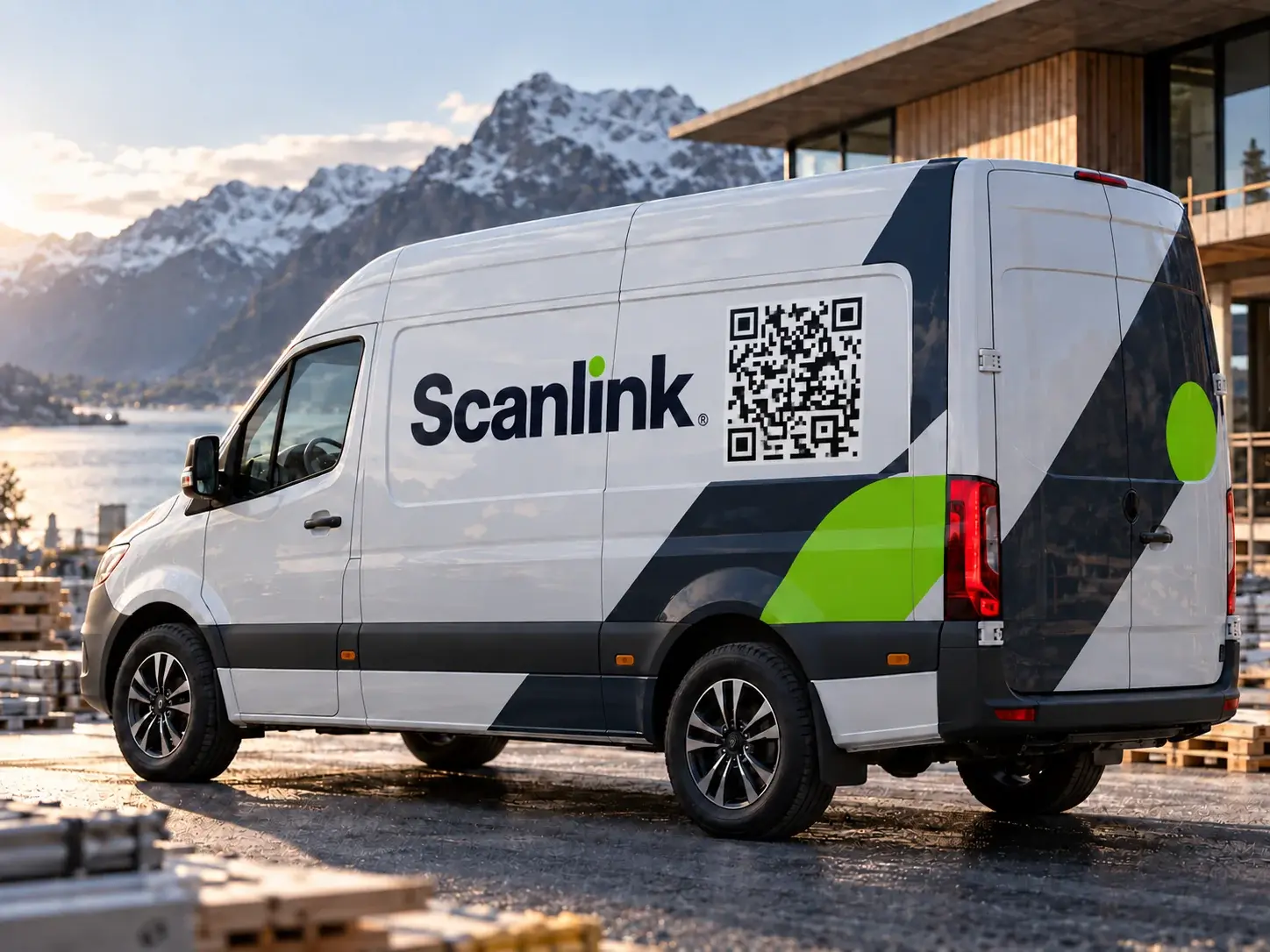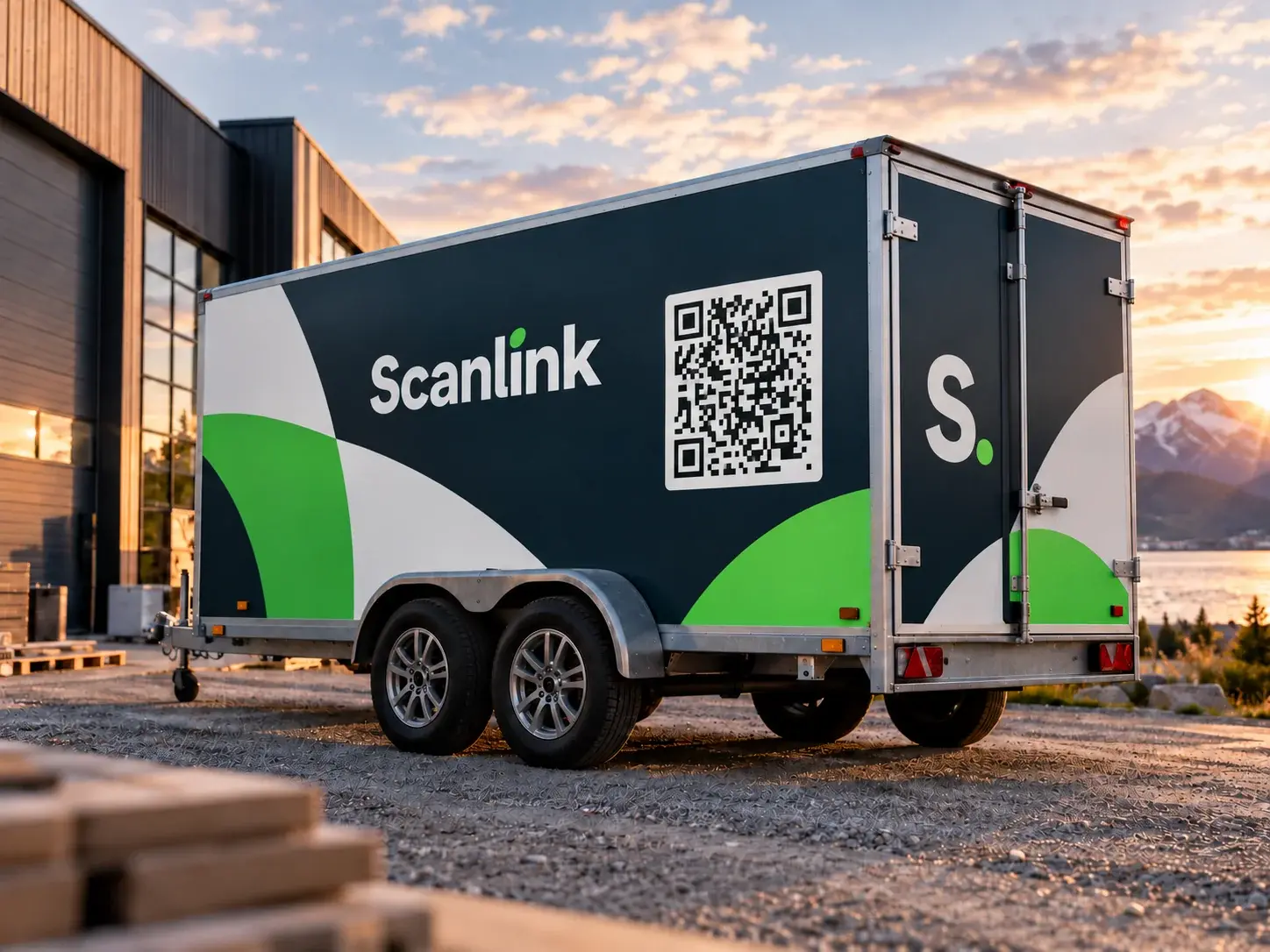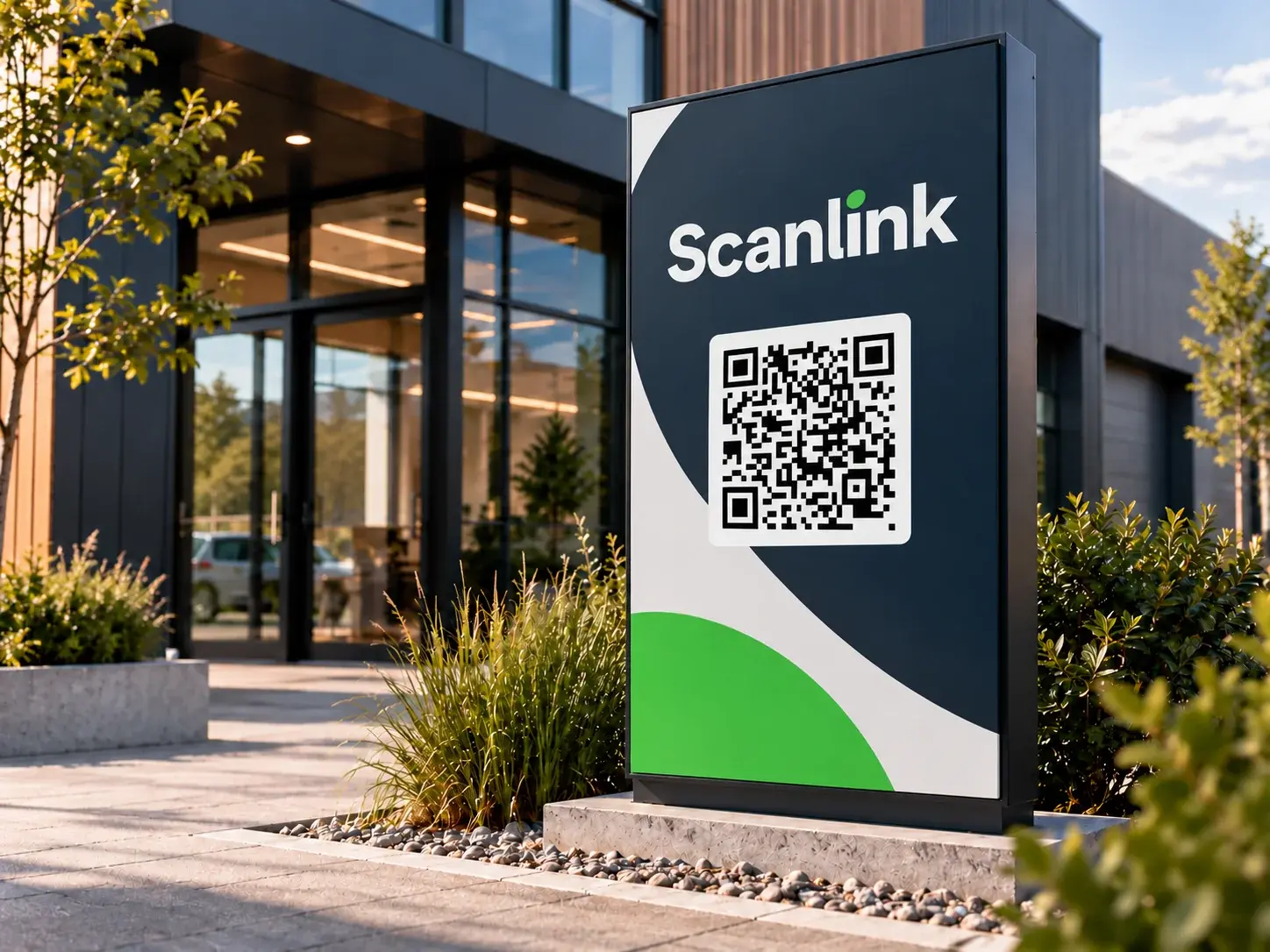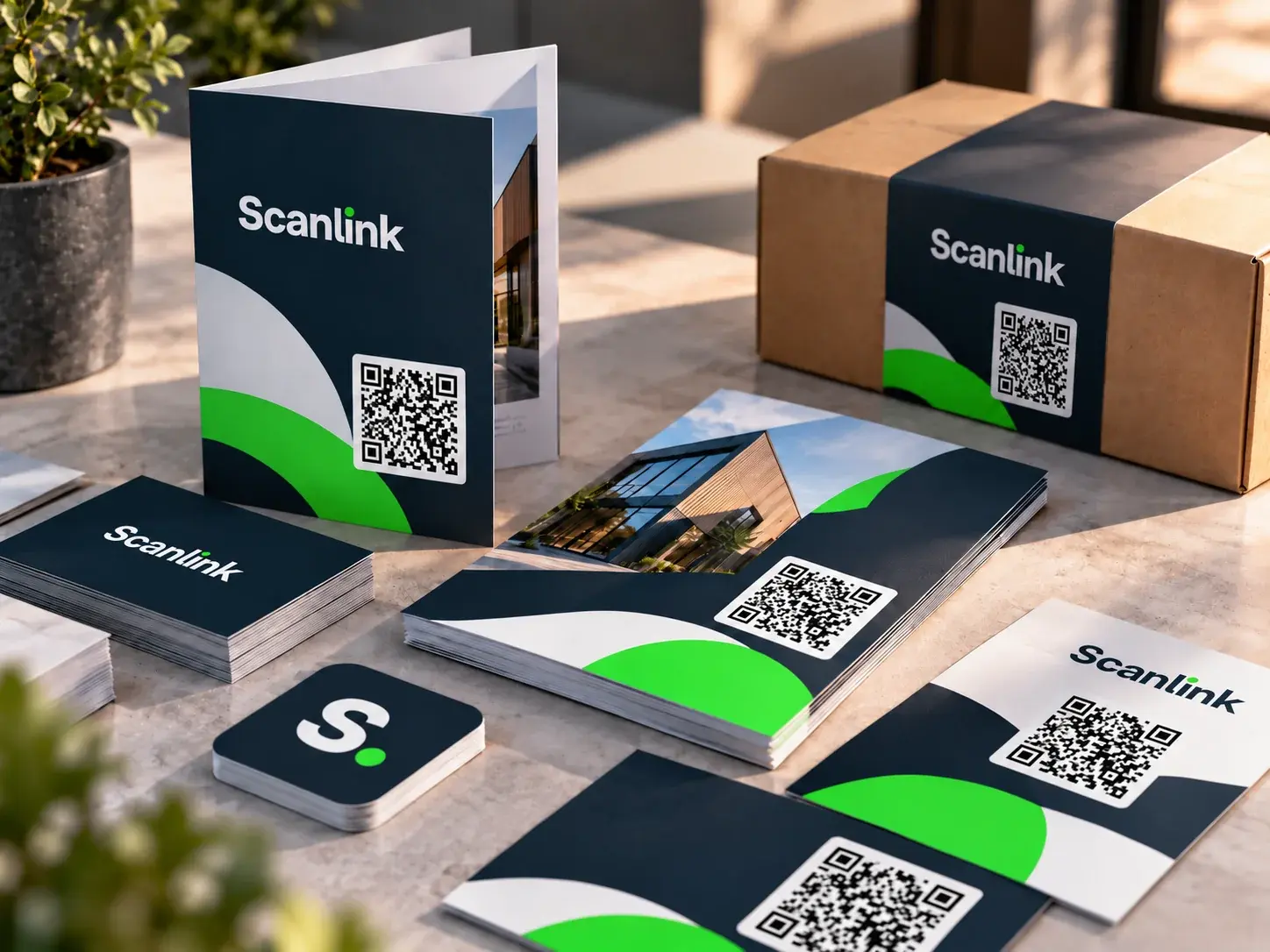
A smarter QR solution for businesses

One QR code.
Change the destination anytime.

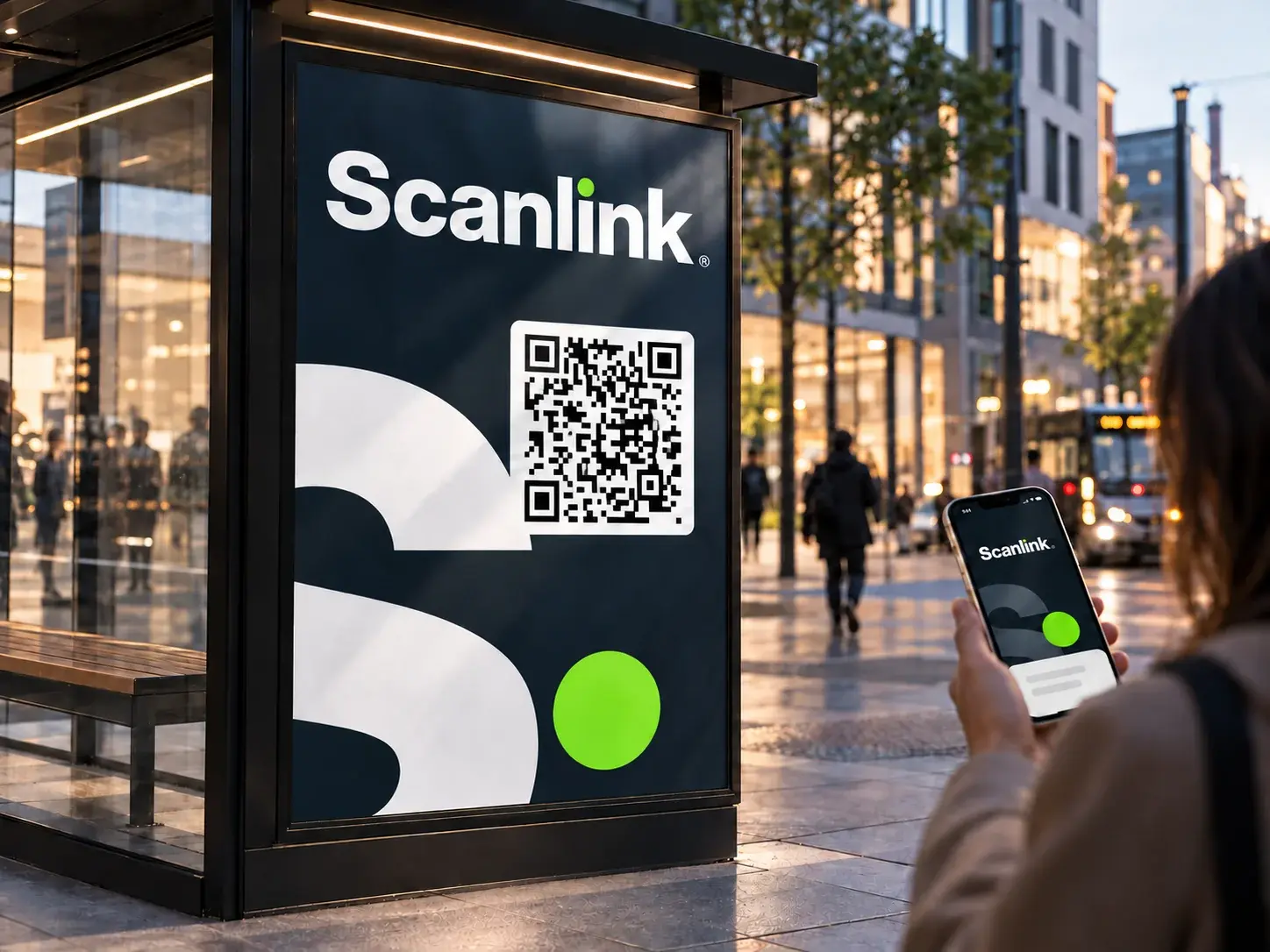
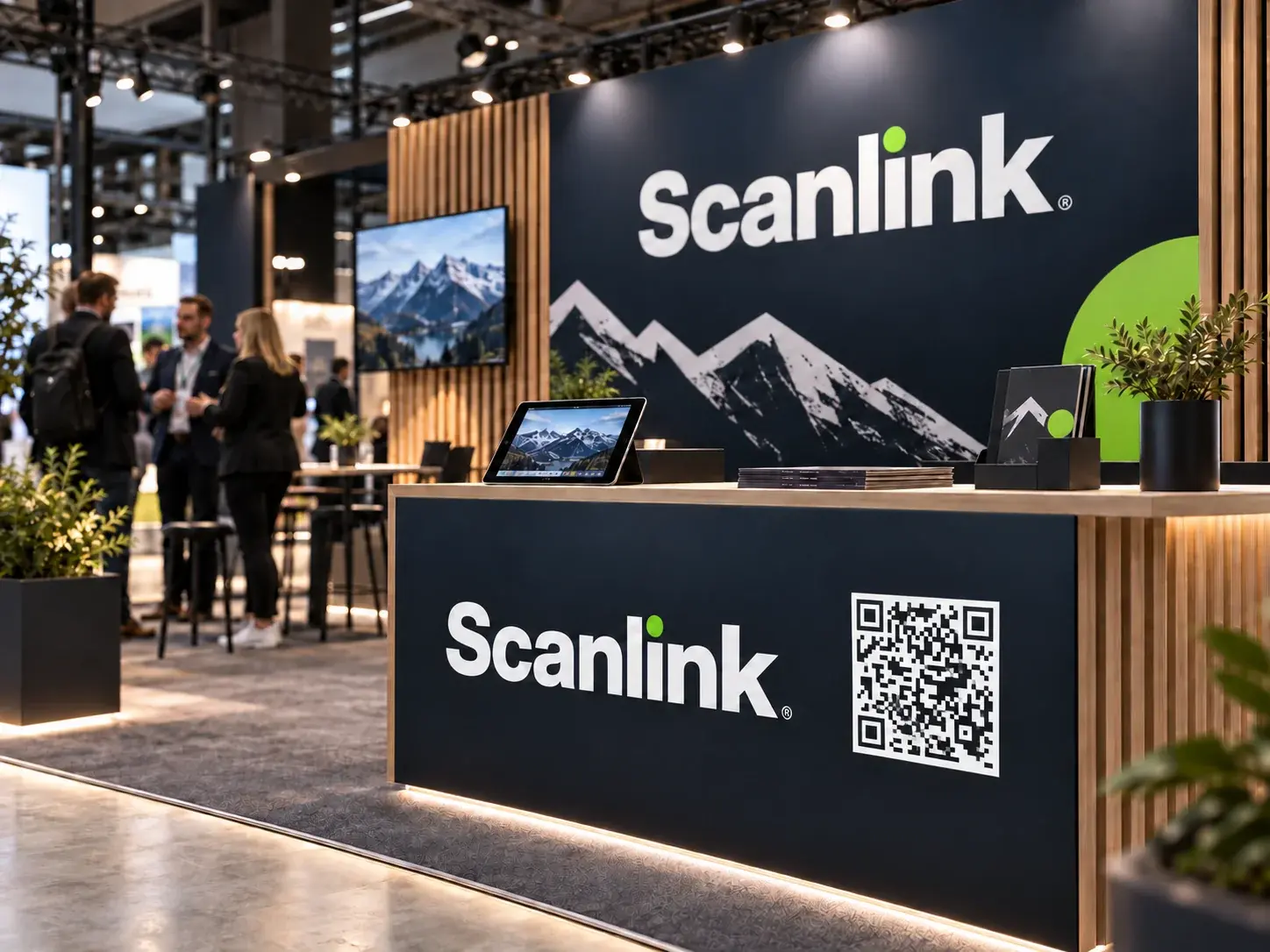
Scanlink lets businesses update where a printed QR code points - without reprinting menus, posters, signs, or campaign material.

Scanlink QR code

How Scanlink works

Print once. Stay in control.

Customers scan the same QR code while you decide where it leads.

1

Create a QR code

Generate a QR code with a stable Scanlink address.

2

Connect your content

Link to a menu, campaign, booking page, or information.

3

Update it later

Change the destination without making a new QR code.

4

Follow activity

See how often your QR code is scanned.

Practical examples

One flexible link for many settings.

Use Scanlink for menus, campaigns, customer clubs, bookings, information, and events.

Example 1 of a Scanlink QR code in use
Example 2 of a Scanlink QR code in use
Example 3 of a Scanlink QR code in use
Example 4 of a Scanlink QR code in use
Example 5 of a Scanlink QR code in use
Example 6 of a Scanlink QR code in use
Example 7 of a Scanlink QR code in use
Example 8 of a Scanlink QR code in use
Example 9 of a Scanlink QR code in use
Example 10 of a Scanlink QR code in use
Example 11 of a Scanlink QR code in use

Pricing

Start with 14 days free.

Every plan gives you dynamic QR codes whose destinations can be changed without reprinting.

14 days free

Basic

249 NOK / month

After the trial

For one menu, campaign, or location.

  • 1 active QR code
  • Unlimited destination changes
  • Simple scan overview
  • 14-day free trial
Start 14-day free trial

No lock-in period.

Most flexible

Pro

599 NOK / month

After the trial

For businesses using QR codes across more places.

  • Everything in Basic
  • Up to 10 active QR codes
  • More detailed insights and history
  • Scheduled destinations
  • More room as your needs grow
Start 14-day free trial

No lock-in period.

Tailored solution

Business

Contact us

for an agreed solution

For larger needs, multiple locations, or tailored setup.

  • Everything in Pro
  • 50+ QR codes as agreed
  • Priority support
  • Setup tailored to your business
  • Suitable for chains, events, and larger campaigns
Contact us

Tell us what your business needs.

Questions

Frequently asked questions

Is the QR code dynamic?

Yes. It points to a stable Scanlink address, while you can change the final destination later.

Do I need to print a new QR code?

No. Keep using the same printed QR code when your content changes.

Can I view scan activity?

Yes. Scanlink provides scan counts and practical history.

Is Scanlink suitable for small businesses?

Yes. It is designed for cafes, shops, events, venues, and local service businesses.

Ready for a QR code that can keep up?

Create your first dynamic QR code in under a minute.